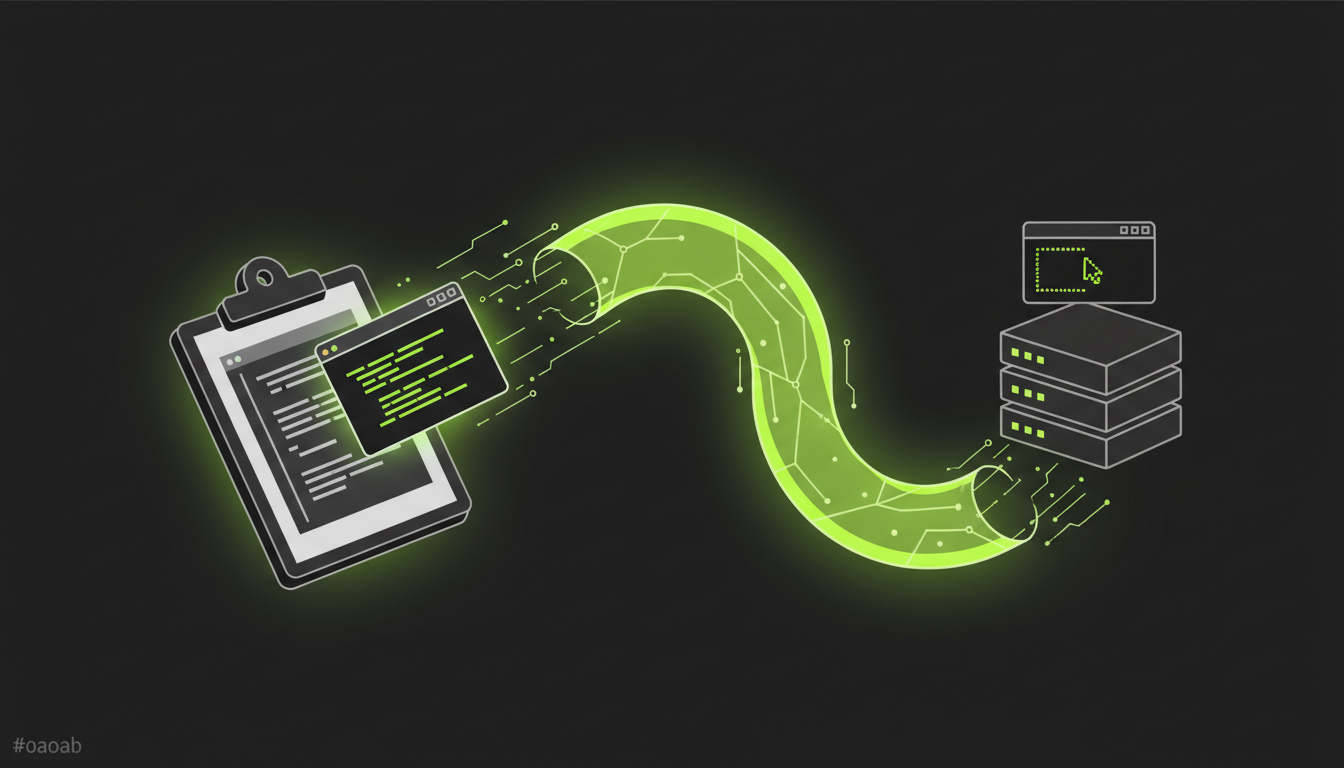
Send screenshots from your local clipboard to any remote host. Paste images into Claude Code, OpenCode, Vim, or any terminal tool over SSH.
curl -fsSL https://raw.githubusercontent.com/samuellawrentz/clipssh/main/install.sh | bash
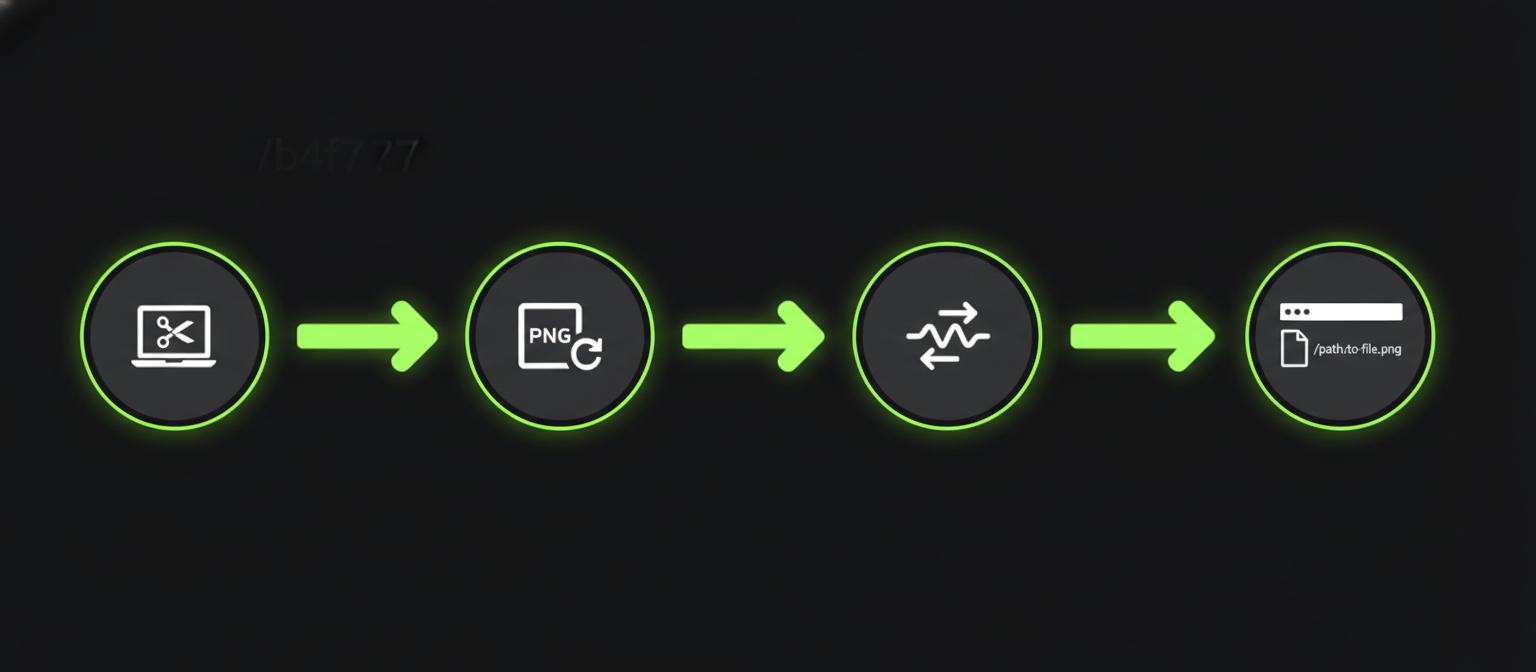
Take a screenshot to your clipboard.
Cmd+Shift+Ctrl+4
clipssh grabs the PNG image from your local clipboard automatically.
Streams the image to your remote host over SSH. No extra services needed.
The remote path is copied to clipboard. Cmd+V to attach it.
No daemons, no servers, no port forwarding. Just SSH and a clipboard tool.
Purpose-built for pasting images into AI coding tools running on remote machines.
Set CLIPSSH_HOST once and skip the argument every time. One less thing to type.
Each upload gets a unique path. No collisions, no overwrites, easy cleanup.
macOS with pngpaste, Linux with xclip or wl-clipboard. Both just work.
~130 lines of bash. Read the whole thing in two minutes. Fork it, ship it.
Requires pngpaste for clipboard access
brew install pngpaste
X11 or Wayland clipboard support
apt install xclip # or wl-clipboard
Install in 10 seconds. Works immediately.